CSC centers can handle form and exam season rush by automating the printing part of their work: customers scan a QR code, upload documents, pay by UPI or at the counter, and prints come out automatically while the VLE focuses on form filling and government services. This cuts waiting time, prevents wrong prints and keeps sensitive documents off the VLE’s phone.
Here’s how a typical CSC workflow changes with printing automation.
A day in a busy CSC center
Common Service Centres handle a wide range of work:
- Aadhaar-related services (where authorized)
- PAN card applications
- Income, caste and domicile certificates
- Scholarship and exam form filling
- Bill payments and banking services
- Insurance and pension services
- Plenty of printing, scanning and photocopies
During admit card releases, scholarship deadlines and admission seasons, dozens of people arrive at once. Most need something printed — confirmation pages, admit cards, receipts or document copies.
Where time gets wasted
The VLE’s skilled work is form filling and service delivery. But much of the day disappears in:
- Receiving files on WhatsApp from each customer
- Downloading and opening files one by one
- Asking about copies, colour and pages
- Calculating amounts and collecting change
- Reprinting when something goes wrong
Meanwhile the line grows, and people waiting for form filling get impatient.
How printing automation fixes the workflow
With QR-based printing, the printing work runs in parallel with the VLE’s main work:
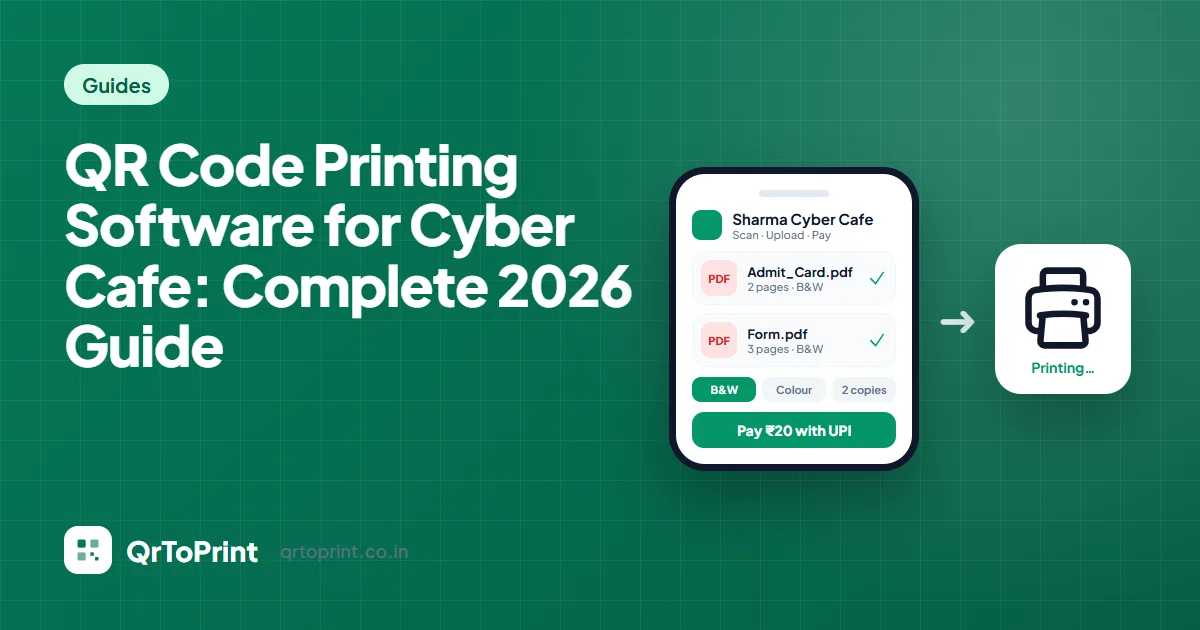
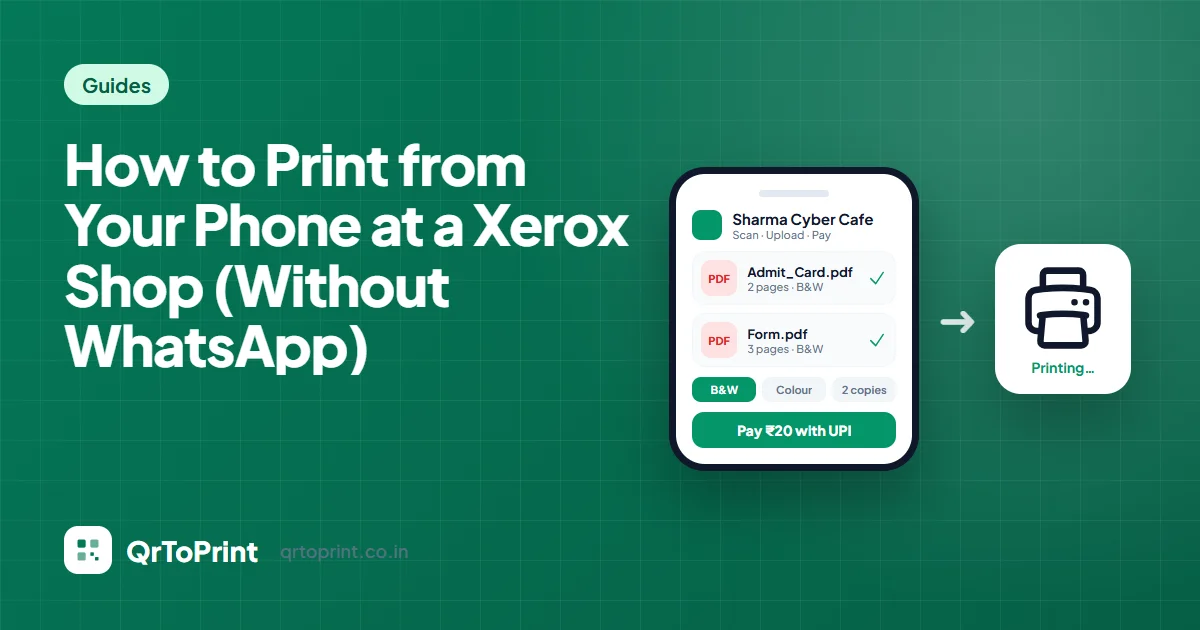
- Customer scans the CSC’s QR code while waiting in line.
- Uploads admit cards, certificates or photos from their phone.
- Selects paper size, copies, colour and pages, and sees the exact total.
- Pays by UPI straight to the CSC’s UPI ID, or chooses Pay at counter.
- Printer outputs the job automatically — the VLE or helper just hands it over.
The VLE never touches WhatsApp for files. See the full flow on how it works.
Benefits for CSC operators
Faster service in rush hours
Several customers can upload at the same time. The print queue keeps moving even while the VLE is busy on a government portal.
Fewer mistakes
Customers choose exactly which pages they need, reducing wasted paper and toner.
Better privacy for sensitive documents
CSCs handle Aadhaar numbers, bank details and certificates daily. Files uploaded via QR are deleted after printing instead of piling up on a phone. Read more about customer document privacy in print shops.
Clear payments
The customer sees the price and pays by UPI to your UPI ID or in cash. You can make cash orders wait until you approve them, so nothing prints unpaid.
More time for high-value services
When printing runs itself, the VLE can process more applications per day — which is where the real earnings are.
Useful features for CSC centers
- Multi-file upload — up to 10 files in one order, such as an admit card, confirmation page and receipt.
- Photo layouts — 1, 2, 4, 6 or 9 photos per page for form photos; see our passport photo printing guide.
- Page range — print only the pages the customer needs.
- Location lock — only people at your centre can place orders.
- Orders wait if the internet drops — they print once the PC is back online.
- Works with existing printers — no need to buy new equipment.
- Owner dashboard — see orders, payments and reports without viewing file contents.
Explore all features.
Setting up in a CSC center
Setup is simple and usually done in under 15 minutes:
- Install the QrToPrint desktop app on the Windows computer connected to the printer.
- Add your printers and choose which handles B&W and colour jobs.
- Set per-page rates for each paper size.
- Add your UPI ID, or keep Pay at counter only.
- Print the QR poster and display it where people wait.
Tip: Put a sign near the queue — “Need a print? Scan the QR and upload your file while you wait in line.”
A sample rush-day workflow
Here’s how a well-organised CSC can run on a busy admit card release day:
- Morning setup — switch on the PC, confirm the print app shows printers as online, and check paper and toner levels.
- Queue management — a helper points each arriving customer to the QR poster and explains in one line: “Upload your file here and collect your print with your order number.”
- Parallel work — while the VLE fills forms at the main desk, uploaded print orders keep coming out of the printer.
- Handover counter — the helper matches printed pages to the order number (pickup code) shown on the customer’s phone.
- End of day — review the dashboard for total orders, pages and earnings, and reconcile cash collected at the counter.
This split between service work and printing work is what lets a small centre serve far more people without adding staff.
Pricing tips for CSC printing
- Show per-page B&W and colour rates clearly on the QR poster.
- Set bulk discounts for long documents, so big orders get a lower rate automatically.
- Keep rates consistent — the software calculates totals, so there are no counter arguments.
- Charge form filling as a separate service fee from printing.
Handling customers without smartphones
Not everyone in rural areas has a smartphone or is comfortable uploading files. Keep flexible options:
- Continue accepting pen drives on a separate, scanned-for-virus system.
- Let family members upload on behalf of elderly customers.
- Keep “Pay at counter” enabled.
FAQ
Can a CSC center use QR printing along with government portals on the same computer?
Yes. The print app runs quietly in the background and doesn’t interfere with browser-based portal work.
Does it work with slow rural internet?
Uploads need an internet connection. Orders that are already placed wait safely and print when your shop PC is back online.
Is there a per-print commission?
No. With QrToPrint, UPI payments go straight to your own UPI ID and cash is paid at your counter — 0% commission. After the free 7-day demo you pick a yearly plan — see current prices on the pricing page.
Is QrToPrint linked to CSC e-Governance Services?
No. QrToPrint is independent printing software that any CSC VLE or digital seva kendra can use at their own counter.
Make form season easier
Let printing run on autopilot while you focus on the services that matter. See the CSC center solution, learn more about QR printing software, start the free demo, or contact us for setup help.