Print shops handle some of the most sensitive documents people own — Aadhaar, PAN, bank statements, marksheets and certificates. Protecting them means not storing files longer than needed, not collecting them on personal WhatsApp, deleting them after printing, and being transparent with customers. India’s Digital Personal Data Protection (DPDP) Act, 2023 makes responsible handling of personal data more important than ever.
This article explains the risks and gives practical steps any cyber cafe or xerox shop can follow.
Note: This article is general information, not legal advice. Rules under the DPDP Act are being notified in phases. Consult a legal professional for guidance specific to your business.
Why print shop privacy matters
Think about what passes through a typical shop in one day:
- Aadhaar and PAN card copies
- Bank passbook and statement pages
- Income, caste and domicile certificates
- School and college marksheets
- Job application forms with phone numbers and addresses
- Medical reports and prescriptions
If any of these leak, customers can face identity misuse, fraudulent loans or SIM card fraud. And the shop’s reputation can be damaged overnight.
Common privacy mistakes in print shops
Most leaks are not intentional. They happen because of everyday habits:
- Files collected on WhatsApp — they stay in the phone gallery and chats for months.
- Downloads folder never cleaned — the shop PC holds thousands of old documents.
- Pen drives left plugged in — the next customer can see previous files.
- Email accounts left logged in — customers log into Gmail and forget to sign out.
- Misprints thrown in the dustbin — full pages with Aadhaar numbers go out with the trash.
- Shared staff phones — multiple people have access to customer chats.
We compared the privacy impact of different file collection methods in WhatsApp printing vs QR printing.
DPDP Act 2023: the basics for small shops
The Digital Personal Data Protection Act, 2023 is India’s law on how personal data in digital form should be handled. In simple terms, it introduces a few key ideas:
- Data Principal — the person whose data it is (your customer).
- Data Fiduciary — the business that decides why and how data is processed.
- Purpose limitation — use personal data only for the purpose it was shared for.
- Consent and notice — people should know why their data is being used.
- Reasonable security safeguards — protect data against breaches.
- Erasure — delete data when the purpose is complete, unless a law requires keeping it.
For a print shop, the purpose is clear: print the document. Once that’s done, there is usually no reason to keep the file.
Best practices for protecting customer documents
Stop collecting files on personal WhatsApp
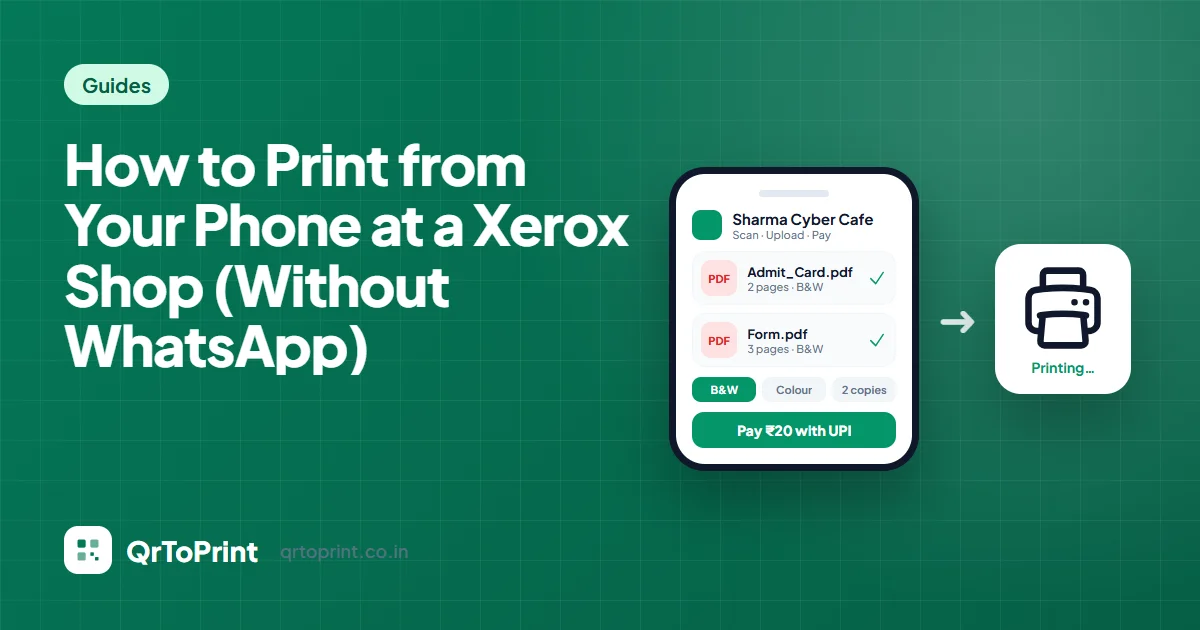
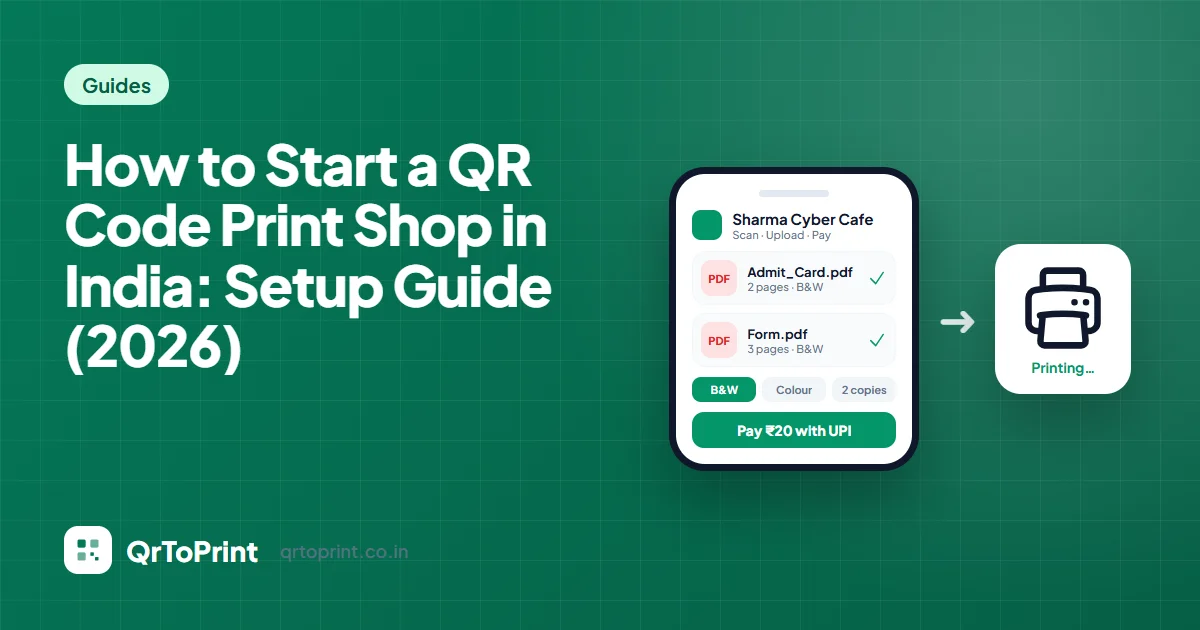
Use a dedicated upload method instead. With QR-based printing, customers upload directly to your print queue, and files are not saved in your phone. See the complete guide to QR printing software.
Delete files right after printing
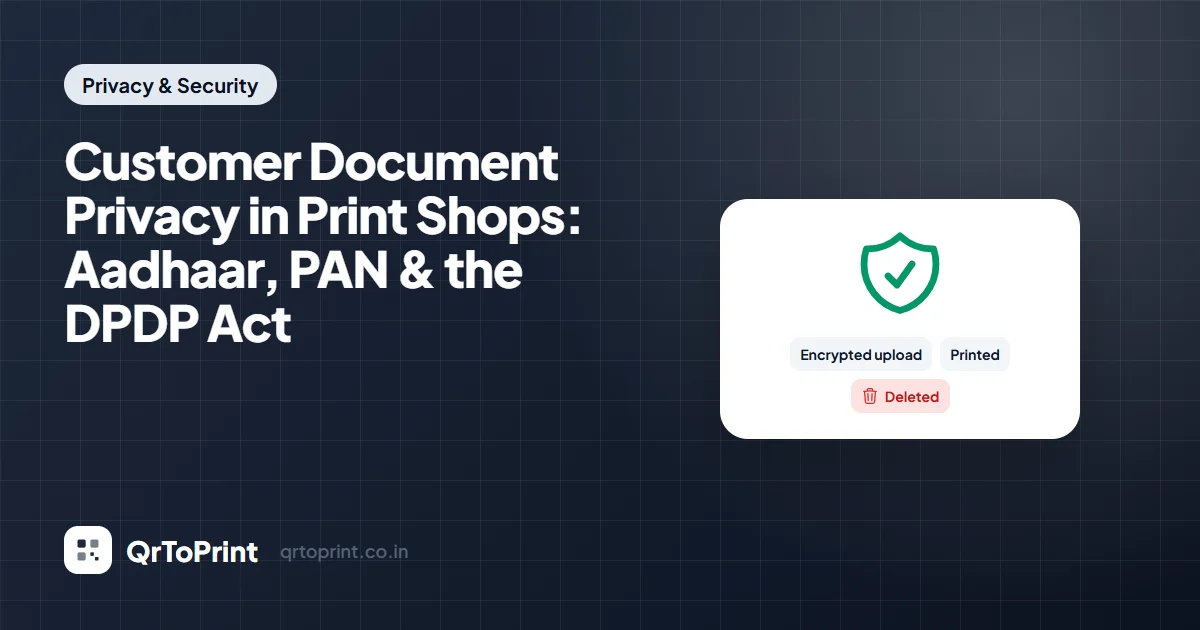
Whatever method you use, make deletion a habit — or better, automate it. QrToPrint deletes customer files after the order is printed or cancelled, and deletes unprinted files automatically after a time you choose.
Clean up the shop computer daily
- Empty the Downloads folder and Recycle Bin.
- Clear browser history and saved passwords.
- Sign out of any customer email or government portal accounts.
Shred misprints
Keep a small box for misprints with personal details and shred or tear them before disposal.
Use separate user accounts
Create a limited Windows user account for customers using the computer, separate from the shop’s admin account.
Keep software updated
Update Windows, antivirus and printer drivers. Avoid pirated software, which often carries malware.
Be transparent with customers
Put up a small notice: “Your files are deleted immediately after printing.” Customers notice and appreciate it.
Privacy checklist for your shop
- No customer files on personal WhatsApp
- Automatic or daily deletion of documents
- Downloads and Recycle Bin cleared daily
- Customers logged out of email and portals
- Misprints with personal data shredded
- Antivirus and Windows up to date
- Privacy notice displayed at the counter
Privacy is also a business advantage
Customers talk. A shop known for being careful with documents gets repeat business from students, families and offices. When two shops charge the same price, trust decides where people go.
FAQ
Does the DPDP Act apply to small print shops?
The Act applies broadly to processing of digital personal data. Specific obligations and exemptions are defined through rules. Small shops should follow good practices and consult a professional for exact compliance requirements.
Is it safe to keep customer files for reprints later?
It’s better not to. Ask customers to upload again if they need a reprint. Storing files increases risk without much benefit.
How does QR printing improve privacy?
Files go directly into the print queue over an encrypted connection, never touch your phone, and are deleted automatically after printing. Your dashboard shows order details, not file contents.
Can I see the customer’s file in QrToPrint?
The dashboard shows the order — file names, pages, settings and amount — so you can check it before printing. Files are not kept after the order is printed or cancelled.
Protect your customers automatically
Privacy shouldn’t depend on remembering to delete files. QrToPrint is built with privacy by design — learn how it works, see how it helps CSC centers, or start the free demo. Questions about data handling? Contact us.