No app for customers
Scan the QR and upload from Chrome, Safari or any phone browser. No login, no WhatsApp needed.
No WhatsApp. No pen drive. No line at the counter. Customers scan your QR, upload PDFs or photos, pay by UPI straight to you — and the print comes out on your printer automatically.
Sharma Cyber Cafe
Upload & print
Admit_Card.pdf
2 pages · B&W
Exam_Form.pdf
2 pages · B&W
File auto-deleted
right after printing
Customers print from their phone by themselves — you simply hand over the printed pages.
The customer scans your shop’s QR code with the phone camera. Your upload page opens in the browser — no app, no login.
Up to 10 PDFs or photos. They pick paper size, B&W or colour, one or both sides, copies and page range — and see the exact price.
UPI goes straight to your own UPI ID (any UPI app or QR). Or they choose Pay at counter and pay you cash.
The order reaches the right printer by itself. The customer gets an order number to collect it. Files are deleted after printing.
Before 😓
After QrToPrint 😎
From sign-up to your first automatic print — follow along on YouTube.
Simple enough for any shop owner, strong enough for exam-form and result-day rush.
Scan the QR and upload from Chrome, Safari or any phone browser. No login, no WhatsApp needed.
PDFs or photos in one order, one payment. Page range like “1-3, 5” and 1–100 copies.
Any printer installed on your Windows PC — HP, Canon, Epson, Brother or a xerox machine, USB or network.
Each paper size, colour mode and both-sides job goes to the printer you choose. Several printers and PCs.
Customers pay to your own UPI ID or at the counter. We never touch your money.
1, 2, 4, 6 or 9 photos on one page — great for passport-size and stamp-size prints.
A pop-up and sound for every new order. Accept, reject, edit or retry from the dashboard.
Customer files are deleted after printing — no Aadhaar or marksheets left on your PC.
Aadhaar, marksheets, bank documents — customer trust comes first. Files are deleted from the shop computer and our server after printing, and unprinted files are cleared automatically.
Encrypted upload
HTTPS / TLS
Printed
Direct to printer
Auto-deleted
PC + server
Cyber cafe, xerox shop or college library — same simple setup, bigger benefits.
Cyber cafe printing software: customers print from phone by scanning your QR. No WhatsApp, no pen drive — UPI straight to you, files auto-deleted.
Learn moreXerox shop software for phone printing: customers upload PDFs and photos by QR, pay by UPI, and prints come out automatically on your printer or xerox machine.
Learn morePrinting software for CSC VLEs and digital service centers. Customers upload by QR, pay by UPI or cash, and it prints automatically — files auto-deleted.
Learn moreSelf-service QR printing for college print rooms, libraries and coaching. Students upload notes from their phone, pay by UPI and collect prints.
Learn moreStart free, then pick a yearly plan by how many print orders you need. 0% commission. No hidden charges. No auto-renewal.
Try every feature first, then decide.
₹0/ 7 days
For small shops.
₹99/ 1 year
Our most popular choice.
₹499/ 1 year
For busy shops.
₹999/ 1 year
Value-for-money math
Just 15 prints a day × ₹5 = ₹75 a day. Even the ₹999 Premium plan pays for itself in about 14 days.
₹75
per day
~14
days to ROI
Have another question? We’re available on WhatsApp from 9am to 9pm.
QrToPrint is QR code printing software (“QR se print”) for cyber cafes, xerox shops and CSC centers. Customers scan your shop’s QR code, upload documents or photos from their phone, pay by UPI or at the counter, and the print comes out automatically on your printer.
No. The upload page opens in the phone browser after scanning the QR. No app, no login, no account.
No. Any printer installed on your Windows computer works — USB or network. HP, Canon, Epson, Brother, Ricoh, Kyocera and most xerox machines.
You do. UPI payments go straight to your own UPI ID, and cash is paid to you at the counter. QrToPrint takes 0% commission and never holds your money.
Start with a free 7-day demo (50 print orders). Then Starter ₹99 (500 print orders, 1 year), Pro ₹499 (4,000 print orders, 1 year), Premium ₹999 (10,000 print orders, 1 year).
No. Files are deleted from the shop PC and our server after printing or cancelling, and unprinted files are deleted after the time you set. Your dashboard shows order details, not file contents.
Orders wait safely in the queue and print when the PC and internet are back. If a printer fails, you can Retry the job from the dashboard.
· 7 min read
Handle exam-form, admit card and result-day rush at your cyber cafe: prep checklist, queue system, separate counters and phone-to-print by QR.
Read article →· 6 min read
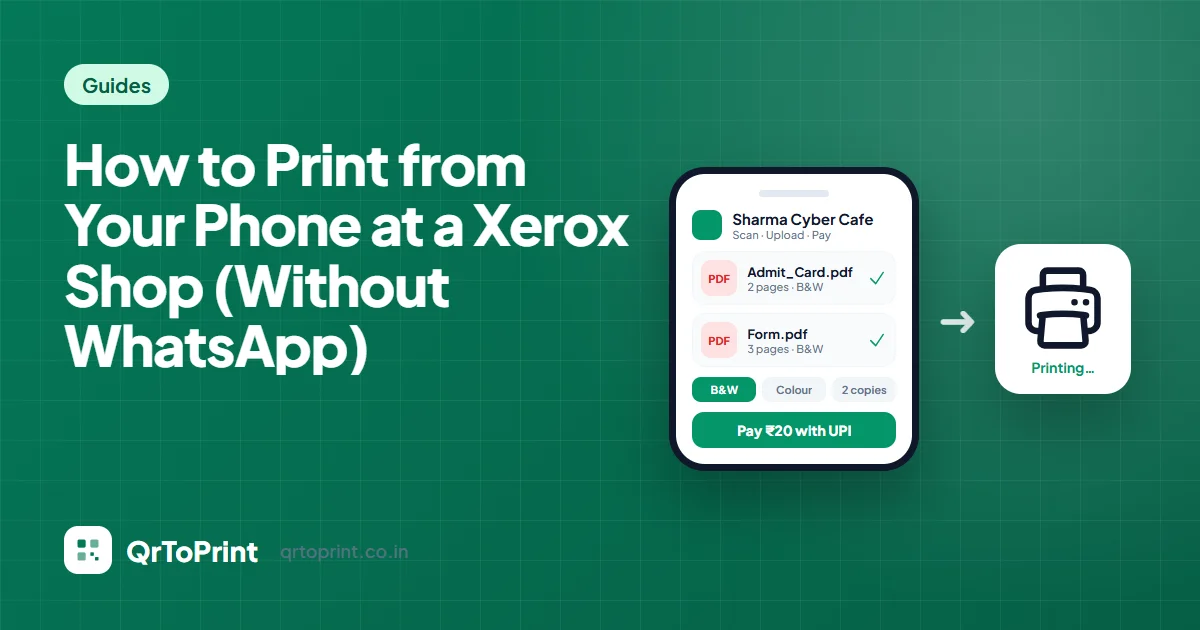
Print a PDF or photo from your mobile at a nearby xerox shop — without WhatsApp or a pen drive. Compare the options and learn the quick QR scan method.
Read article →· 6 min read
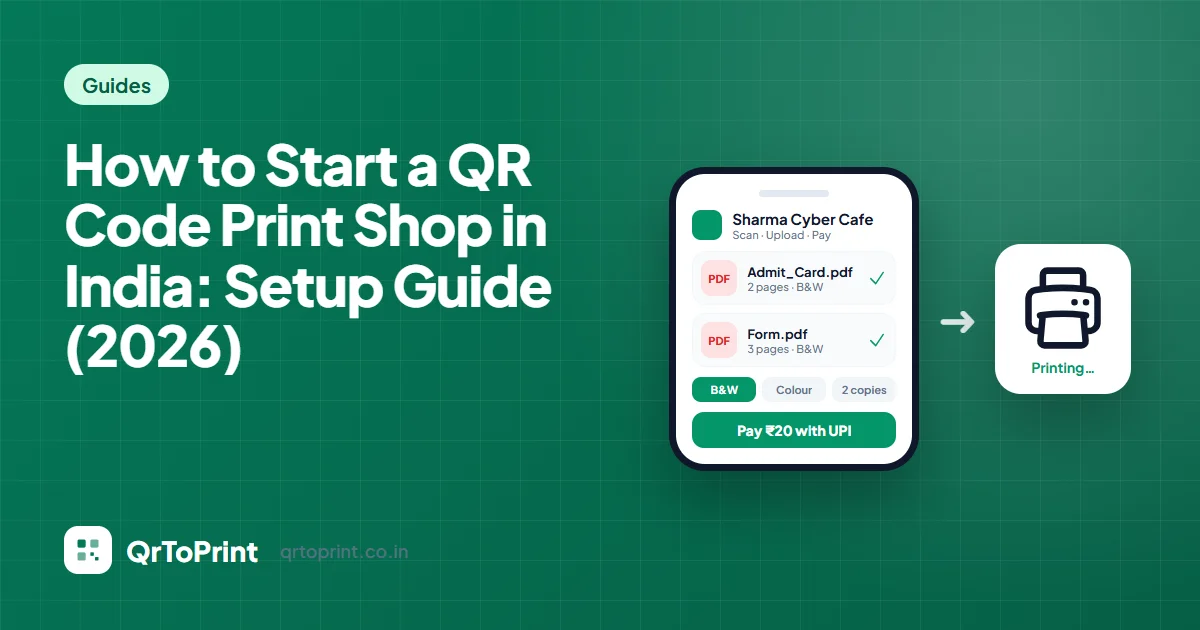
Start a QR code print shop in India: what you need, how to set up auto print software, rates, UPI payments and your QR poster — step by step for 2026.
Read article →Register in 2 minutes and set up in about 10. Free 7-day demo with 50 print orders — buy a plan only if you love it.