For most small xerox shops and cyber cafes in India, the best setup is a B&W laser multifunction printer for everyday documents plus a colour ink tank printer for colour and photo prints. Shops with very high daily volumes should consider a heavy-duty photocopier for the lowest cost per page. The right choice depends on your daily page volume, budget and access to local service.
This guide compares the options without pushing any single brand.
Prices mentioned are approximate ranges for planning only. Printer and consumable prices change often — always check current prices with local dealers and online stores.
Start with your daily volume
Before comparing models, estimate how many pages you print per day:
- Low volume — up to about 100 pages/day
- Medium volume — roughly 100–500 pages/day
- High volume — 500+ pages/day, including bulk photocopies
Every printer has a recommended monthly page volume. Running a small printer beyond this leads to jams, wear and frequent repairs.
Option 1: B&W laser printer (multifunction)
A monochrome laser printer with print, scan and copy.
Pros:
- Fast printing with sharp text
- Low cost per page when using standard toner
- Handles documents, forms and notes well
- Scanner and copier included in multifunction models
Cons:
- No colour
- Toner cartridges can be expensive if you only buy original
- Entry models may not be built for very heavy use
Approx. price range: ₹12,000 – ₹45,000 depending on speed, duplex and network features.
Best for: small to medium shops as the main document printer.
Option 2: Colour ink tank printer
Refillable ink bottles instead of cartridges, now common from several major brands.
Pros:
- Very low cost per colour page compared to cartridge printers
- Good for photos, passport photo prints and colour documents
- Affordable to buy
Cons:
- Slower than laser for large jobs
- Print heads can clog if not used regularly
- Plain text isn’t as crisp as laser on some models
Approx. price range: ₹10,000 – ₹30,000.
Best for: colour prints, photo prints and passport size photos.
Option 3: Heavy-duty photocopier (digital MFD)
Office-grade machines designed for thousands of copies daily, often with A3 support, duplex, auto document feeder and finishing options.
Pros:
- Lowest cost per page at high volumes
- Built for continuous use
- A3 printing and copying
- Fast duplex and batch copying
Cons:
- High upfront cost
- Needs space and regular service
- Refurbished units need a reliable local technician
Approx. price range: ₹60,000 – ₹2,50,000+ (new or refurbished varies greatly).
Best for: busy shops near colleges, courts and government offices.
Quick comparison table
| Feature | B&W laser MFP | Colour ink tank | Heavy-duty copier |
|---|---|---|---|
| Colour | No | Yes | Some models |
| Speed | Fast | Moderate | Very fast |
| Cost per page | Low | Low (colour) | Lowest at volume |
| Upfront cost | Medium | Low | High |
| A3 support | Rare | Some models | Common |
| Maintenance | Low | Regular use needed | Scheduled service |
| Best for | Documents | Colour & photos | Bulk copying |
Recommended setups by shop type
Small cyber cafe (starting out)
- One B&W laser multifunction printer with duplex
- One colour ink tank printer
- A basic laminator
Medium xerox shop
- A heavy-duty B&W copier or high-speed laser MFP
- A colour ink tank printer
- A backup B&W laser printer for rush periods
High-volume shop near colleges or offices
- Heavy-duty copier with A3 and ADF
- Colour laser or high-capacity ink tank
- Separate backup printer
Planning a new shop? See our guide on how to start a xerox shop business in India.
Features that matter most
- Duplex printing — saves paper and customers often ask for double-side.
- Automatic Document Feeder (ADF) — essential for copying multi-page documents quickly.
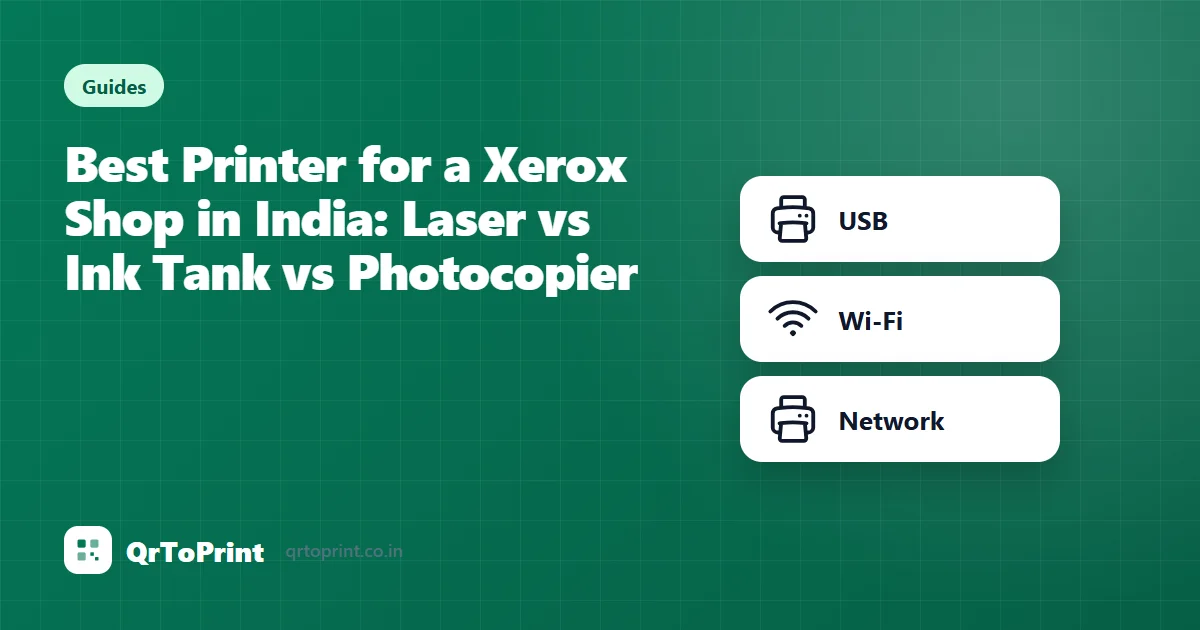
- Network / USB connectivity — USB is enough if the printer is next to the PC.
- Local service availability — the best printer is useless if no technician is nearby.
- Consumable availability — toner and ink should be easily available in your town.
Do you need a Wi-Fi printer for QR printing?
No. With QR printing software like QrToPrint, the desktop app on your Windows computer receives orders from the internet and sends them to any installed printer — USB or network. Routing rules send B&W jobs to your laser and colour jobs to your ink tank automatically, by paper size and one or both sides too. Learn more on our features page.
Maintenance tips to extend printer life
- Use good-quality paper stored away from moisture.
- Print a few colour pages every day on ink tank printers to avoid clogging.
- Clean rollers periodically to reduce jams.
- Don’t exceed the recommended monthly volume.
- Keep a service contract for heavy-duty copiers.
FAQ
Is an ink tank printer good for a xerox shop?
It’s excellent for colour and photo prints but usually slower than laser for bulk B&W. Most shops use it alongside a laser printer.
Should I buy a refurbished photocopier?
It can reduce cost significantly, but only buy from a dealer who offers warranty, service and spare parts locally.
Which is cheaper per page: laser or ink tank?
For B&W documents at volume, lasers and copiers are typically very economical. For colour, ink tank printers usually have a lower running cost. Check the page yield of the specific consumables before buying.
Can one QR code send jobs to two printers?
Yes. With QrToPrint, every order comes in through your one shop QR, and routing rules decide which printer prints it — for example B&W A4 to the laser and colour to the ink tank.
Make every printer work harder
Whatever printers you choose, QrToPrint sends each job to the right machine automatically — no manual file handling. See how it works, see the xerox shop solution, or start the free demo.